Generate a report or invoice
Build Word and PDF output from application data or an approved template.
Check placeholder completeness and the output's layout before delivery.
Create, convert and read Word, Excel, PowerPoint and PDF files from a desktop app, your browser, the terminal, .NET or PowerShell. No Office install, no COM.
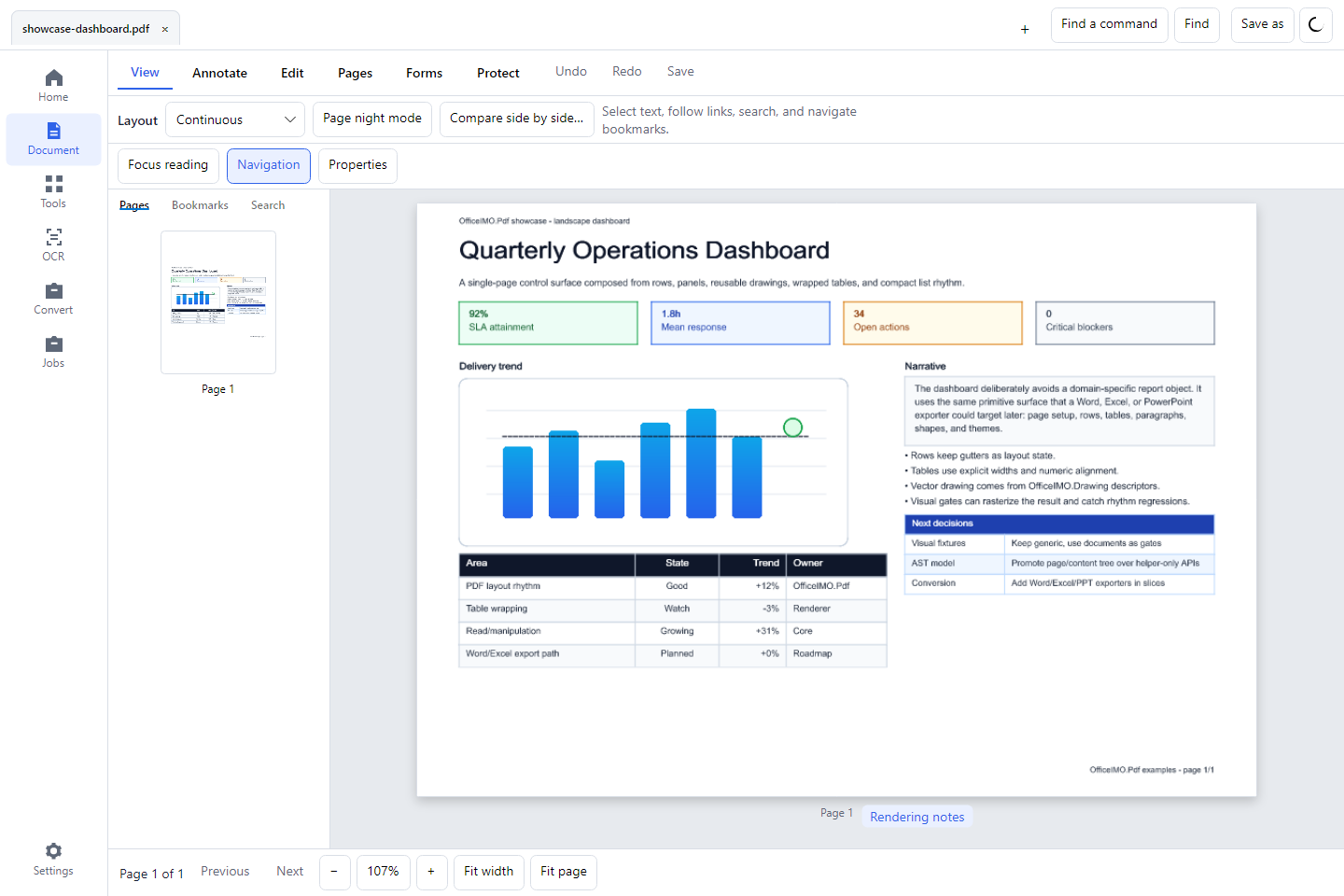
❯ officeimo convert report.docx report.pdf
❯ officeimo convert report.pdf report.md
❯ officeimo mcp serve --stdio
New-OfficeWord -Path '.\report.docx' {
  Add-OfficeWordSection {
    Add-OfficeWordParagraph -Text 'Q3 report'
    Add-OfficeWordTable -InputObject $Sales
  }
}
Build Word and PDF output from application data or an approved template.
Check placeholder completeness and the output's layout before delivery.
Turn a Word document, workbook, or presentation into a downloadable PDF.
Fonts and unsupported layout features can change the result; read the conversion diagnostics.
Select pages and produce a separate document while retaining the source.
Protected, signed, or unsupported inputs can restrict rewriting. Each tool reports its limits.
Read text, tables, and source locations across document formats.
Scans need an optional OCR provider. Extracted text is not proof of original reading order.
Export objects and database results to Excel or CSV in repeatable scripts.
Use the module's documented runtime and provider requirements for your chosen data source.
Keep the document in view while working with comments, forms, pages, and supported content.
Windows and Linux packages are available for x64 and Arm64. Arm64 installation and runtime testing is pending. macOS requires a source build. Check the Studio guide for optional OCR providers and printing requirements.
Made with OfficeIMO
Try a document tool, explore real output, or start from a working example.

Create an editable Word project charter in C# with scope, milestone owners, acceptance evidence, and a PDF copy for review and handover.

Compare budget scenarios in Excel with C# formulas, editable assumptions, and calculated contribution. Download the workbook, preview, and source.

Create a PowerPoint roadmap in C# with editable phase cards and a decision-checkpoint table. Preview the slides and download the PPTX and PDF.

Build a two-page PDF workshop pack in C# with an agenda, exercise sheet, running header, and page numbers. Preview both pages and download the PDF.
Open source · MIT
OfficeIMO and PSWriteOffice are developed on GitHub by Evotec and contributors. Every bug report, docs fix and question makes them better.
No. OfficeIMO uses managed document engines and focused package dependencies; it does not require Microsoft Office, COM automation, or Office interop assemblies at runtime. Optional desktop Office checks are validation oracles, not runtime dependencies.
OfficeIMO classifies and reads modern and legacy Word, Excel, and PowerPoint families, writes documented native subsets, and reports conversion coverage by operation and fidelity. Use the compatibility dashboard for tracked behaviors, fallbacks, and deliberate blocks.
OfficeIMO targets .NET 8.0, .NET 10.0, .NET Standard 2.0, and .NET Framework 4.7.2.
Yes. The OfficeIMO packages themselves are published under the MIT License. However, some optional package families build on third-party dependencies with their own upstream terms, so commercial teams should also review our Third-Party Dependencies page during OSS approval.
OfficeIMO is an MIT-licensed, source-available document platform for .NET and PowerShell with modern and legacy Office support, focused packages, explicit conversion-fidelity policies, and no runtime royalty. Commercial suites can provide broader portfolio coverage, more mature rendering for some workloads, formal support, and procurement SLAs. Compare the exact formats, operations, fidelity, deployment model, and support obligations your application needs on our evaluation page.